In October 2026, a number of new features for the Speed Scanner will be introduced. This short special tutorial explains all these features in detail. Once the release is complete, these new features will be incorporated into the regular tutorial.
The Lean FMD Speed Scanners are characterised by their particularly fast scanning rate.
The scanner projects a laser dot that points to the FMD codes it has just read. Usually, you follow the FMD codes with the laser dot, scanning a large number of packs in this way – one after the other, but very quickly.
The new Matrix Scan works differently:
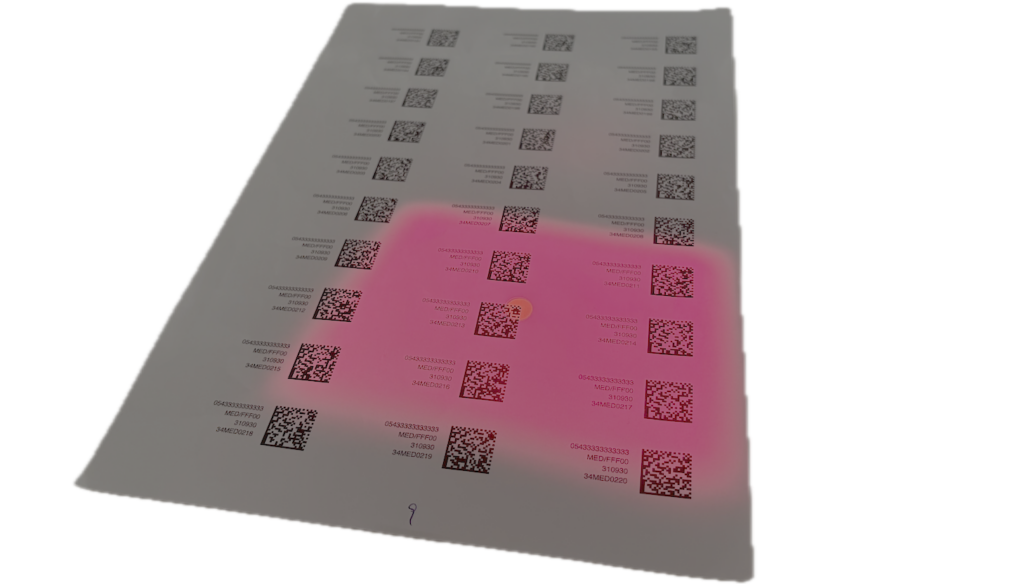
As well as the laser spot, the scanner also generates a light window that extends around the laser spot in the shape of a rectangle. When matrix scanning is enabled, all FMD codes within this light window are read simultaneously. This significantly increases the scanner’s operating speed.
The new Matrix Scan feature only works on FMD Speed Scanner devices that have been approved for this use. Please contact medAspis Support to find out whether your existing devices can be upgraded to support Matrix Scan.
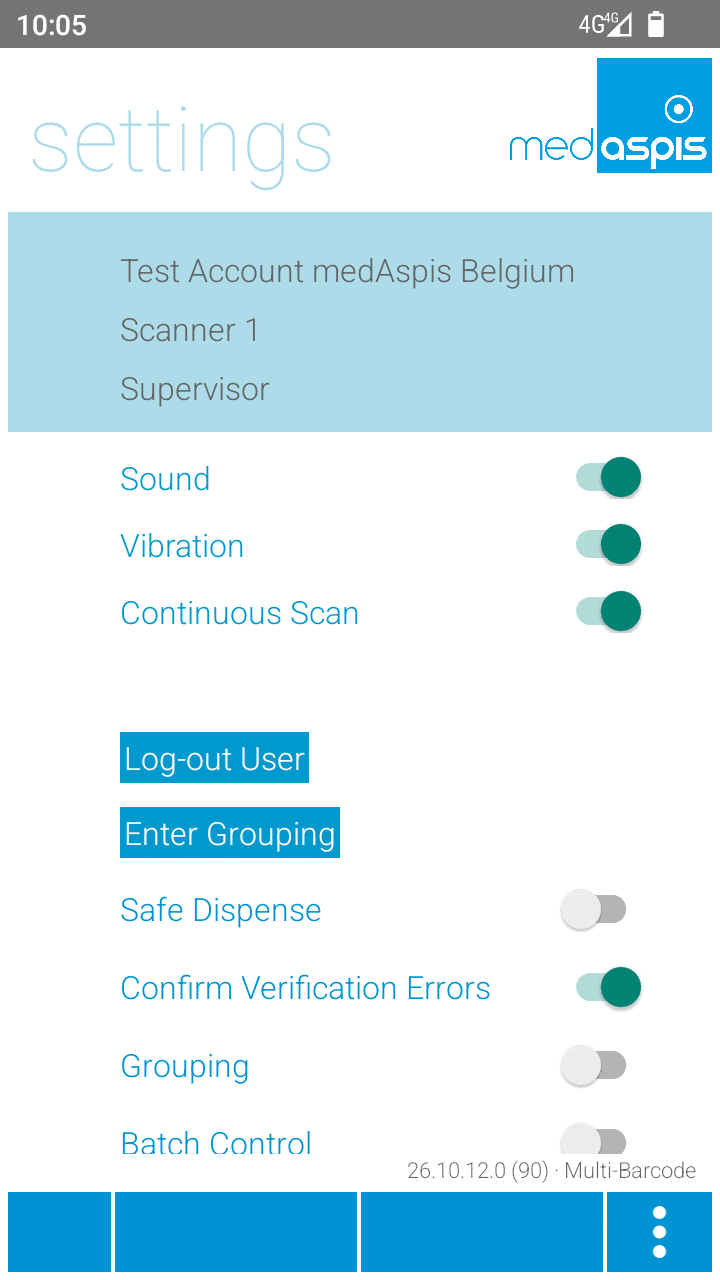
In the settings, you can see whether the device is capable of performing a matrix scan, right next to the software version number.
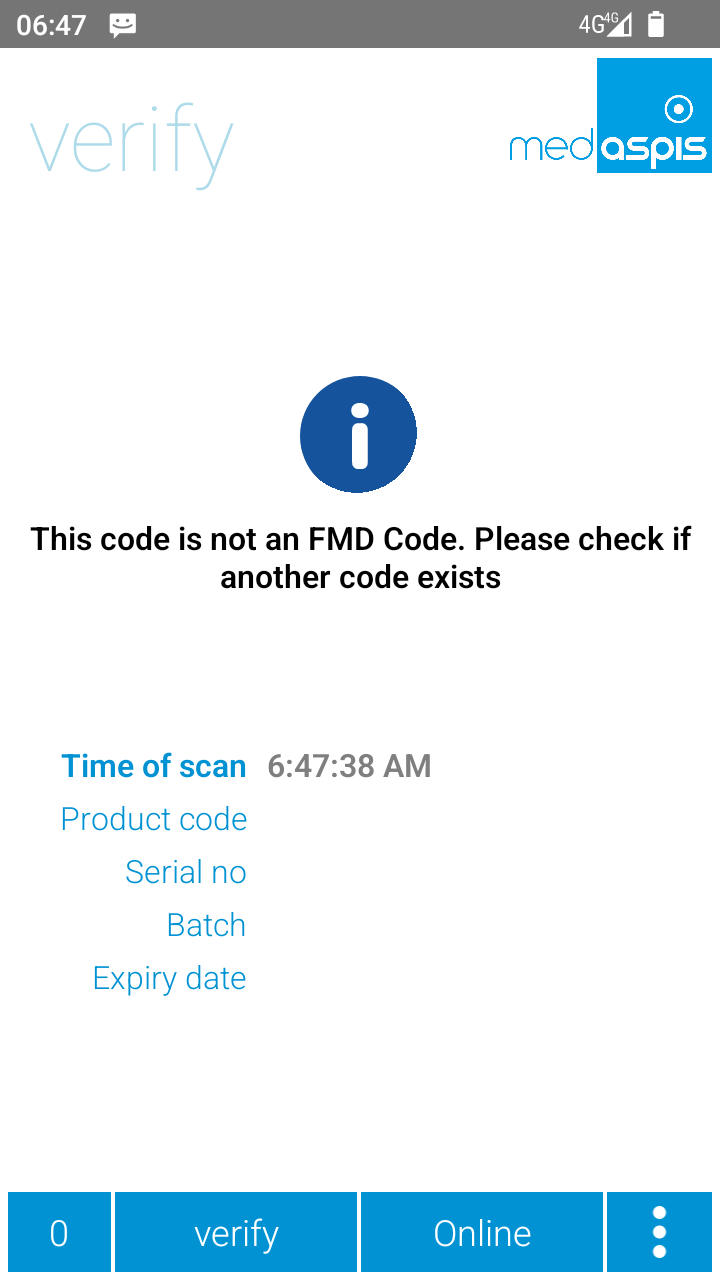
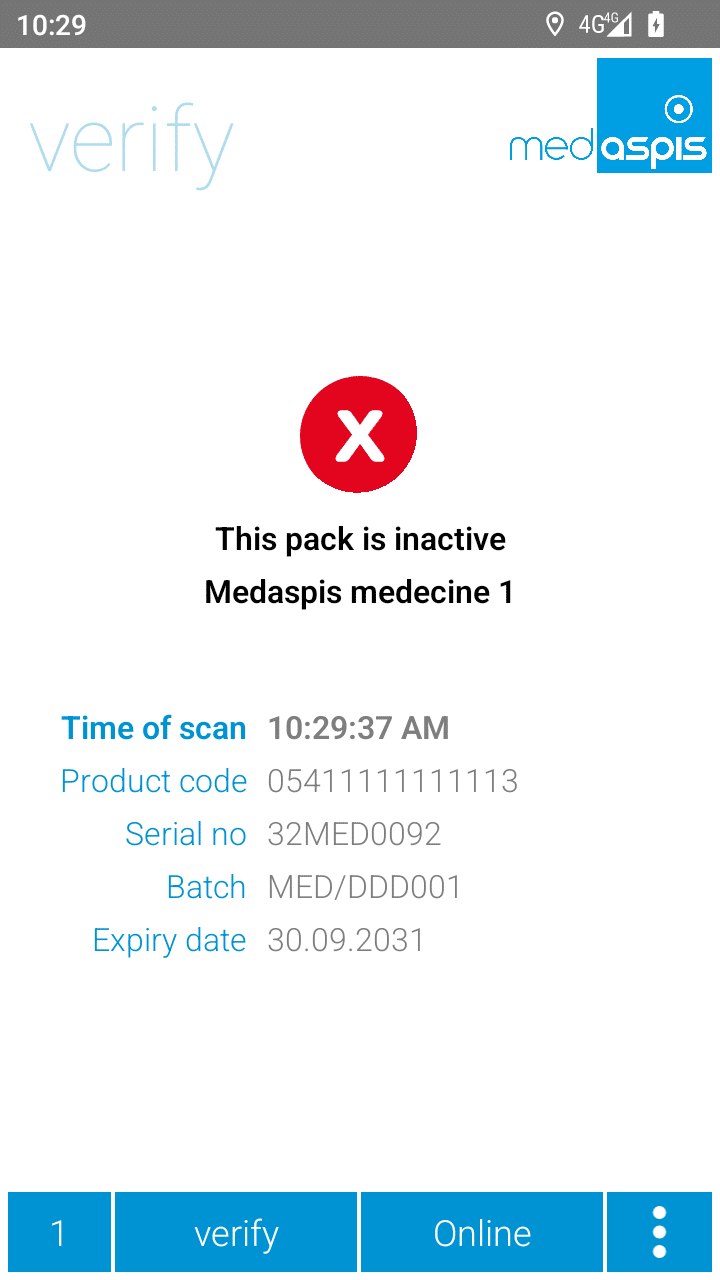
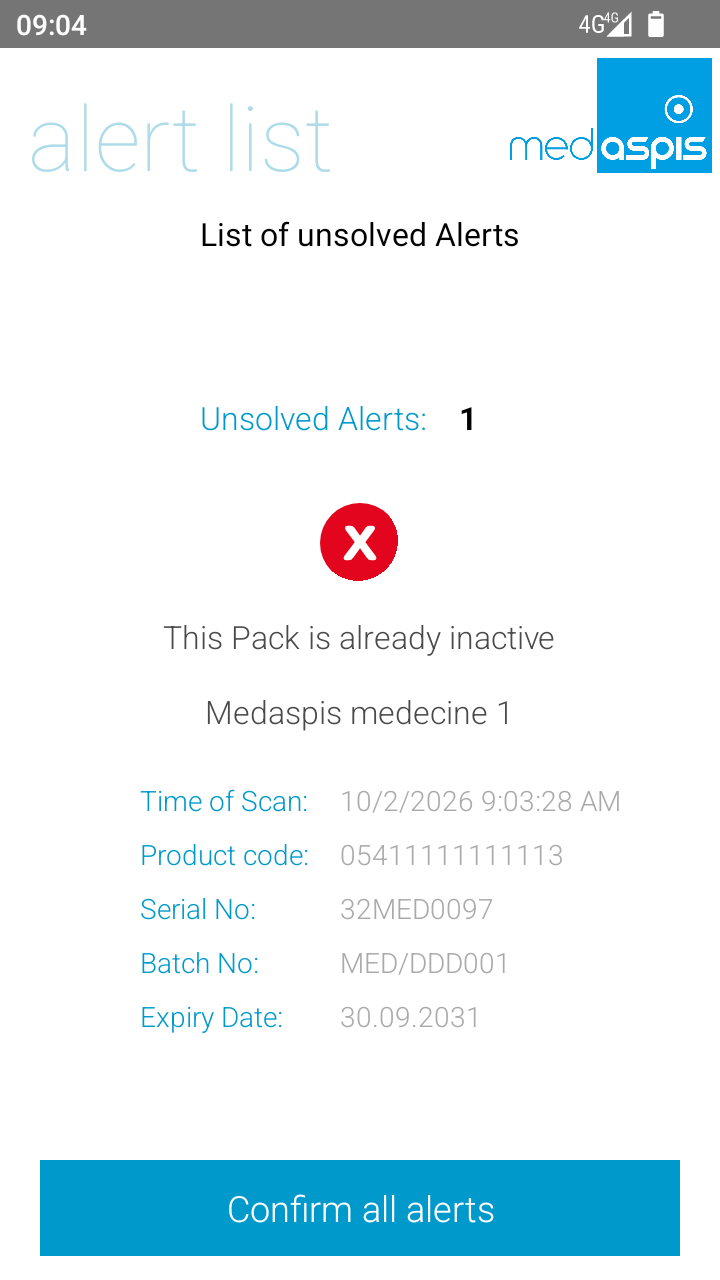
As soon as the scanner detects an error, the laser switches off and the message on the display must be confirmed by clicking.
There are situations in which this procedure is cumbersome and slows down the workflow. In the new version, a toggle switch in the handheld device’s settings can be used to disable this confirmation when verifying an alert.
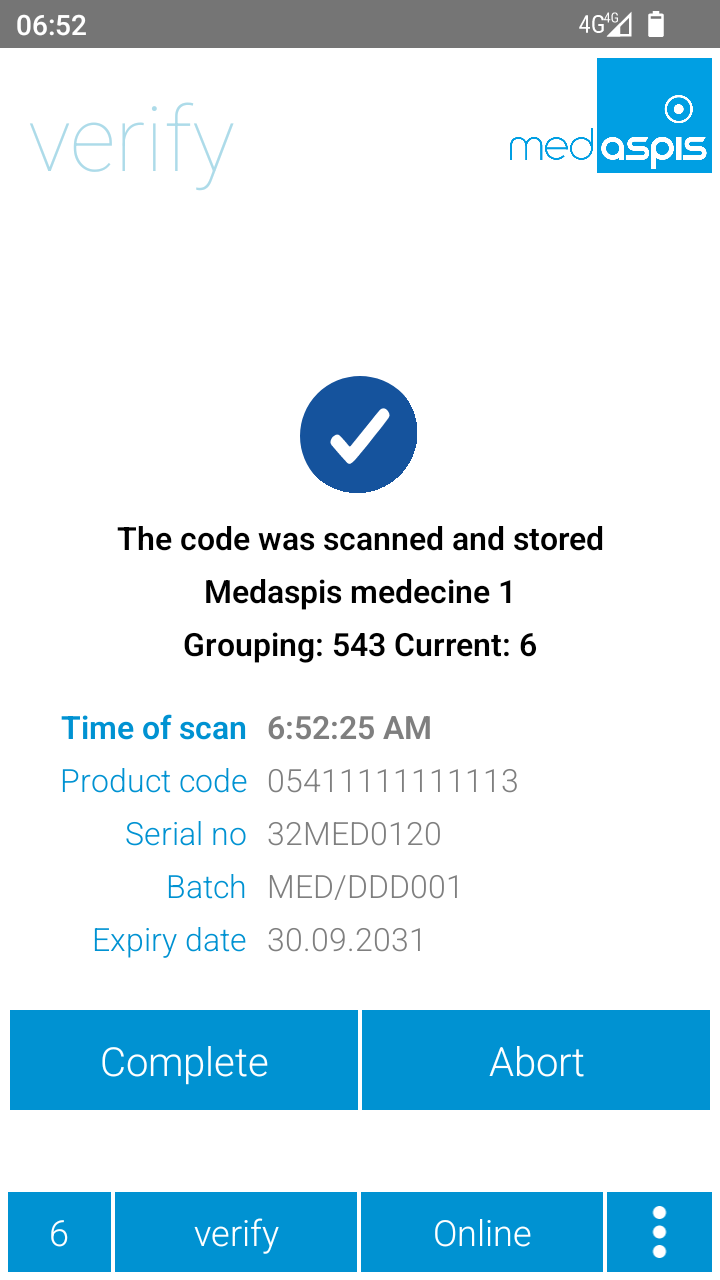
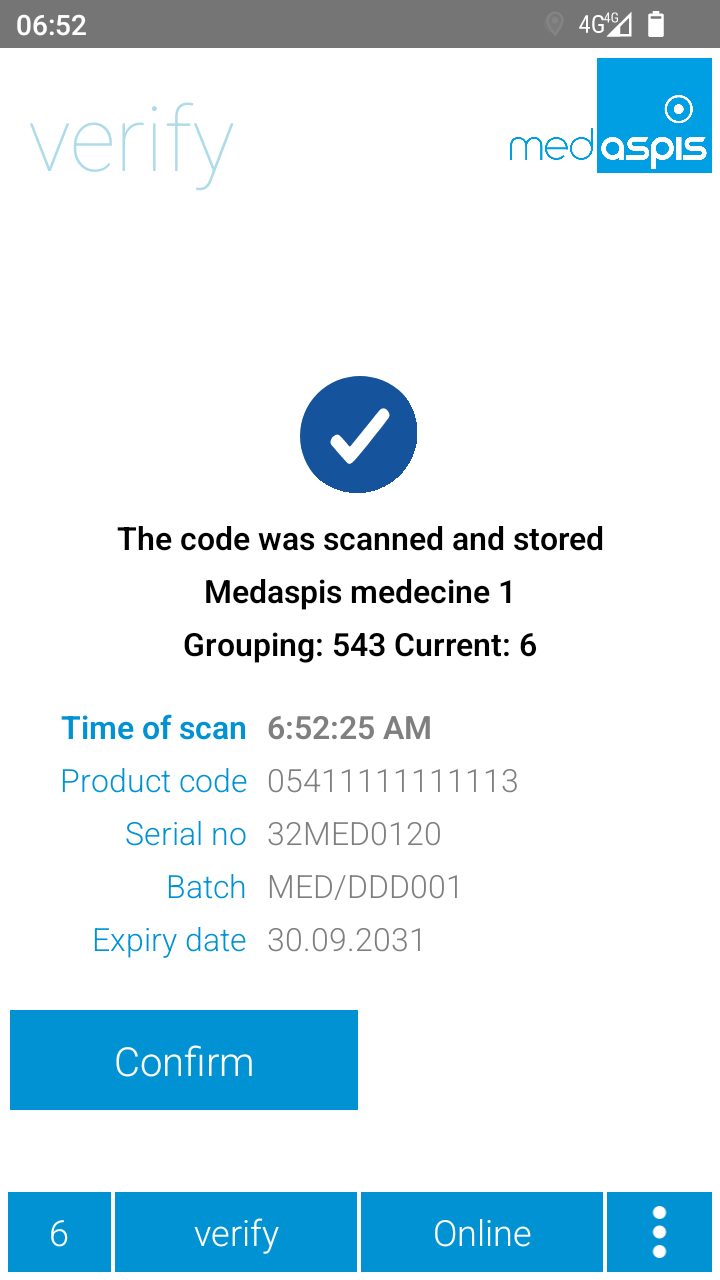
Grouping operations are either completed and saved as normal, or cancelled using the ‘Abort’ button. Normal completion is confirmed by pressing a second button. With the new version, cancelling an operation using the ‘Abort’ button also requires confirmation. This prevents accidental cancellation, including data loss.
Sometimes packs are supposed to be deactivated and – surprise, surprise – the pack had already been deactivated. This double deactivation raises suspicions of counterfeiting.
To prevent such a situation – which can occur, for example, during returns processing – the Safe Dispense function has been introduced.
When this function is enabled, a verification check is automatically carried out before deactivation takes place. If the package is active, it is then deactivated as required. However, if the package was already deactivated, the function stops after the verification and does not deactivate the package, as it has already been recognised as deactivated.
Please note: This Safe Dispense function will be available in a later release. In this release, only the toggle switch is available in the handheld device’s settings.
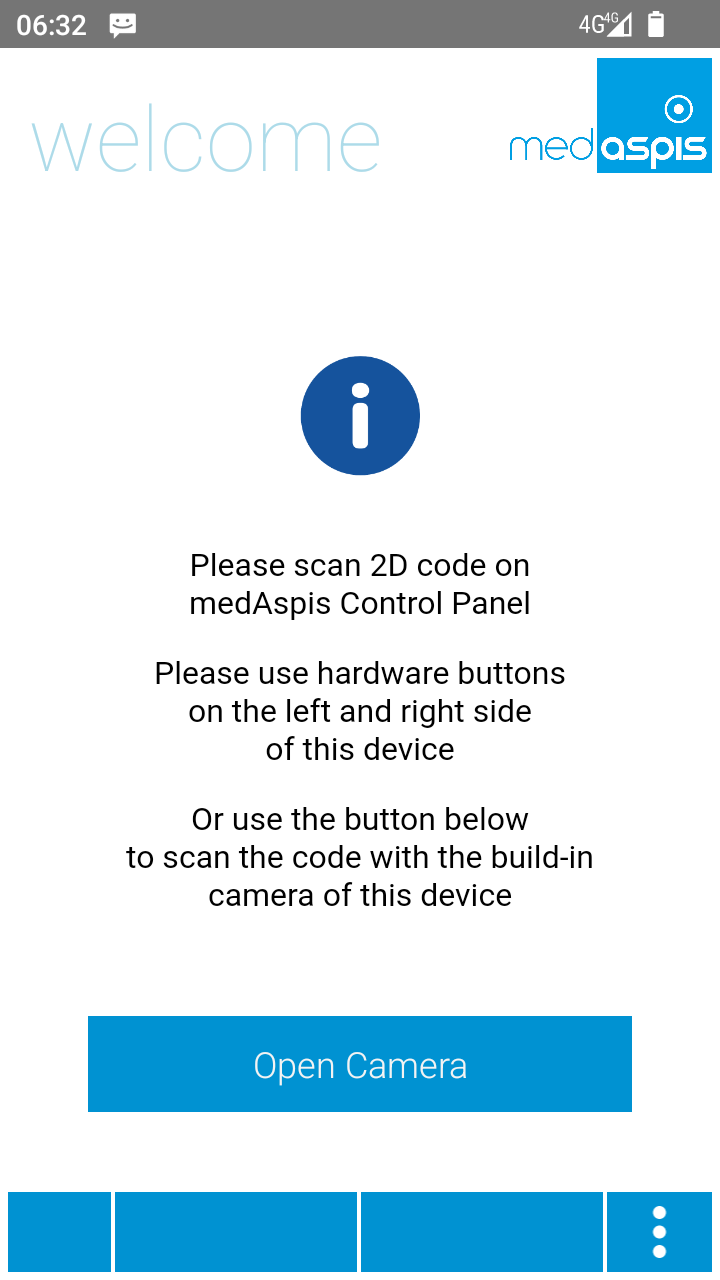
During the process of registering a handheld device to your own user account, an enrolment code is scanned from the control panel screen. This enrolment code can be captured either using the laser scanner or the built-in camera. To use the laser scanner, you can use the standard lever on the pistol grip or one of the two scan buttons on the sides of the handheld device. Alternatively, you can use the camera by pressing the button on the display.
This button is now labelled more clearly with the text ‘Open Camera’.
Our support team is always there for you.
Please use a larger screen to view the full support menu.
Please allow up to 24 hours for your order to be processed. We will then send the newly generated Aggregation Codes as a PDF to the email address provided here.
Is your FMD Speed Scanner no longer working? To ensure you can continue working without interruption, we will send you a replacement device as quickly as possible. At the same time, you will receive a return label for sending back your defective device.
You will receive the replacement unit regardless of whether your warranty is still valid.
Do you suspect counterfeiting? Our medAspis Alert Team will assist you with the process. We are also happy to assist you with unclear error messages or unfamiliar situations.
Describe the incident using the report form. If needed, you can upload up to three photos. We will contact you as soon as possible and support you with the next steps.
Companies in the pharmaceutical industry are validated and meet strict quality requirements. Nevertheless, there is still a significant compliance risk with FMD.
Suspected falsification cases may not be handled and documented in a GxP-compliant manner.
With our free, anonymous and non-binding Compliance Check-up, we analyse and assess your company’s critical FMD error messages.
Based on your existing FMD audit trails, we analyse among other things:
The analysis is performed entirely within your data system. No data is transmitted to medAspis. All evaluations remain anonymous.
Download the error messages directly to your computer in your local language.
Can’t find your language? As soon as you become a customer, we’ll of course provide the error messages in your local language. Promise.
medAspis stands for proven quality and traceable processes. Lean FMD provides the necessary framework for this.
Lean FMD is validated in accordance with EU-GMP Annex 15. medAspis operates a Quality Management System in accordance with ISO 9001 and supports you with validation and the required documentation.
With the Validation Toolkit, you receive the documentation for the validation of Lean FMD. This enables you to carry out the necessary validation steps in a structured and traceable manner.
Download an excerpt from the Validation Toolkit to get a first impression of the structure and process of validation.
The complete toolkit contains all the necessary documents for validating Lean FMD.